 UPDF
UPDF
 Windows
 Mac
Mac iPhone/iPad
 Android
 UPDF AI 在線
 UPDF 數位簽名
 PDF 閱讀器
 PDF 文件註釋
 PDF 編輯器
 PDF 格式轉換
 建立 PDF
 壓縮 PDF
 PDF 頁面管理
 合併 PDF
 拆分 PDF
 裁剪 PDF
 刪除頁面
刪除頁面 旋轉頁面
旋轉頁面 PDF 簽名
 PDF 表單
 PDF 文件對比
 PDF 加密
 列印 PDF
 批量處理
批量處理 OCR
OCR UPDF Cloud
 關於 UPDF AI
 UPDF AI解決方案
  AI使用者指南
 UPDF AI常見問題解答
 總結 PDF
 翻譯 PDF
 解釋 PDF
 與 PDF 對話
 與圖像對話
與圖像對話 PDF 轉心智圖
 與 AI 聊天
 PDF 轉成 Word
 PDF 轉成 Excel
 PDF 轉成 PPT
 企業解決方案
 企業 Sign
 企業 AI
企業 AI 企業會員定價
 企業會員使用指南
 企業級線上研討會
 銀行
銀行 醫療保健
醫療保健 保險
保險 法律
法律 製造業
製造業 政府
政府 教育行業方案
 用戶案例
用戶案例 使用者指南
使用者指南 技術規格
技術規格 產品更新日誌
 常見問題
常見問題 使用技巧
使用技巧 部落格
部落格 UPDF 評論
 下載中心
下載中心 聯絡我們
聯絡我們


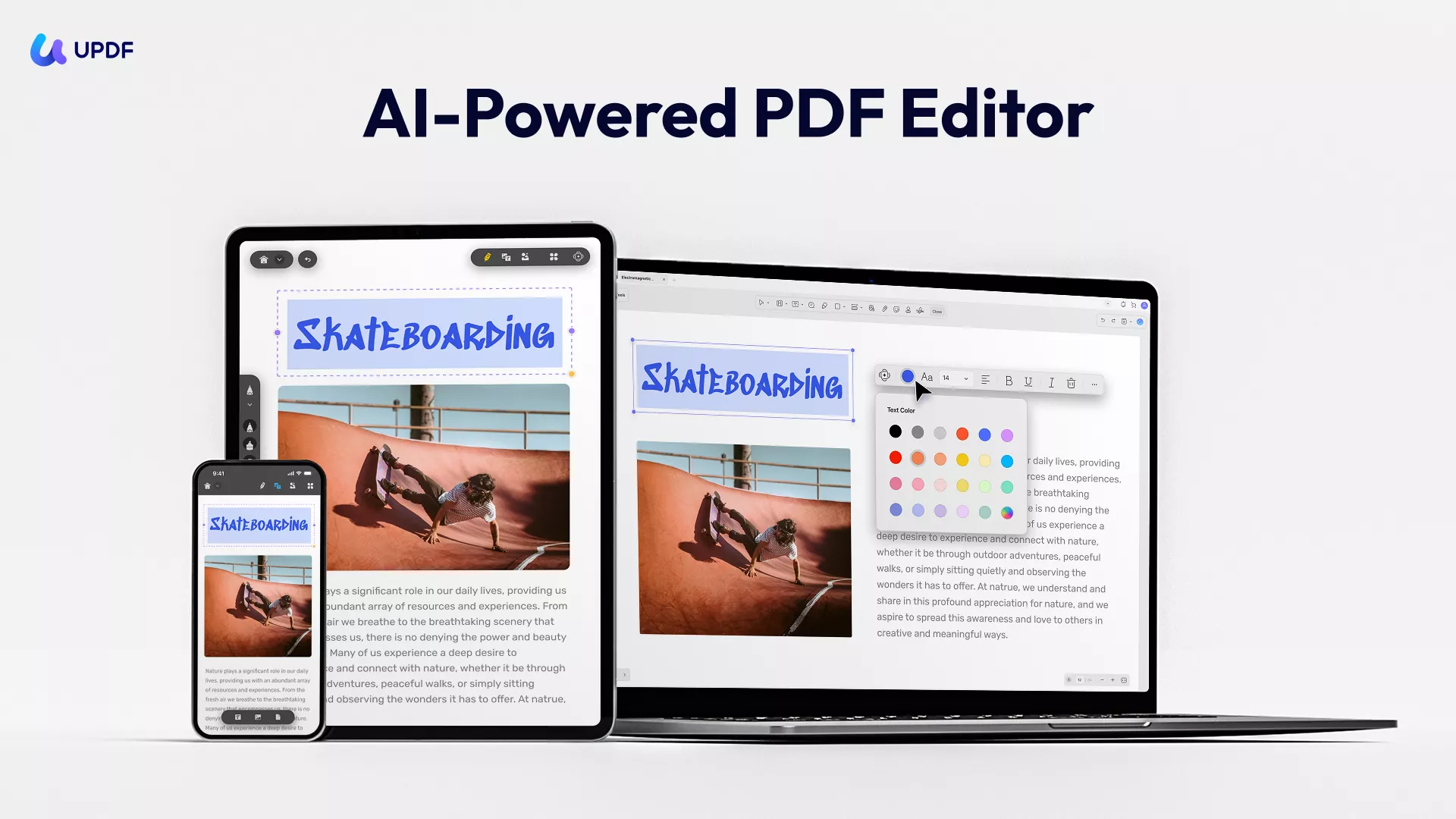
Introduction of UPDF for iOS
UPDF for iOS is a versatile and easy-to-use PDF editor with extensive features to help you create, edit, annotate, convert, OCR and organize your digital files. With its AI-powered features, you can revolutionize your PDF management (AI summarizing, translating, explaining, rewriting, brainstorming, etc.), boosting your productivity and creativity. You can also download UPDF for iOS from App Store or click the button below.
Windows • macOS • iOS • Android 100% 安全性
Below is a complete guide for UPDF for iOS. Before reading the text content, you can also watch the video to learn more about it.
Exclusive Features of the UPDF iOS
The following are the exclusive features of UPDF for iOS.
Note: Consider upgrading your account to unlock all premium features and AI benefits for a streamlined PDF management experience.
- Edit PDF: Edit text, images, links, and watermark in a PDF like a pro.
- ZIP Archive: Select the PDF files you need and into a zip archive.
- Set Password: Set an open password for your PDF file to protect PDF.
- Annotate PDF: Use smart annotation tools (e.g. highlight, underline, strikethrough, squiggly, text comment, text box, text callout, sticky note, pencil, etc,.) to express your thoughts. You can also add stickers, shapes and stamps or e-signature.
- AI Chat: Powered by ChatGPT-5 and Deepseek R1, UPDF AI lets you summarize, translate, explain, rewrite, and chat with PDFs.
- Create PDF: UPDF for iOS allows you to create a blank PDF; scan documents or ID Card to PDF; create PDFs from other file formats, including Word, Excel, PPT, and images.
- OCR PDF: Powerful OCR PDF feature that helps users extract or copy text and images from scanned documents. You can select multiple languages to perform OCR if the document contains text in more than one language. UPDF for iOS support recognizing 42 languages.
- Fill and Sign PDF Form: Conveniently sign and fill PDF on the go.
- Convert PDF: UPDF for iOS now allows users to convert PDFs to Word, Excel, PowerPoint, image formats (PNG, JPEG, BMP, GIF, TIFF). UPDF for iOS also lets you put all PDF pages into one long image.
- Security Space: Enable FaceID and Passcode Security for the app and Security Space access.
- Read PDF: 7 display themes, 2 page view mode, 4 zooming options, and a slideshow feature.
- Combine PDF: Combine multiple PDFs.
- Organize PDFs: Rotate, extract, insert, copy, paste, move, delete, or share pages.
- Cloud Integration: Upload files to the UPDF Cloud or share them via email and other mediums. You can also connect your Dropbox files to UPDF for iOS.
- Compress PDF: Compress PDF documents with ease.
- Manage PDF: Add and manage folders; import files/photos from the local device, photo albums, and from your computer over Wi-Fi; trash management helps find deleted items.
- Others: A powerful file search function; two-finger support for selecting, zooming in/out and other operations; print PDF.
If you're looking for an intuitive and powerful PDF management solution, try UPDF. The iOS-friendly design ensures fluid operation and seamless connection to your desktop, making PDF processing easy, secure, and hassle-free.
Windows • macOS • iOS • Android 100% 安全性
To supplement the user guide for UPDF software, we have included an introductory PDF below. This document visually outlines the key features and functionalities of UPDF, showcasing its intuitive design, advanced tools, and extensive language support. Users can quickly learn about UPDF's powerful capabilities for PDF viewing, editing, conversion, OCR, and more on iOS devices through this PDF presentation.